

T3 Using Images as Textures (MS3)
Use Sphere u, v texture Coordinates
class sphere : public hittable {
  private:
    point3 center;
    double radius;
    shared_ptr<material> mat;
    aabb bbox;

    // >>>>>>>>>>>>>>>>>>>>>>>>>>>>>>>>>>>>>>
    static void get_sphere_uv(const point3& p, double& u, double& v) {
        // p: a given point on the sphere of radius one, centered at the origin.
        // u: returned value [0,1] of angle around the Y axis from X=-1.
        // v: returned value [0,1] of angle from Y=-1 to Y=+1.
        //     <1 0 0> yields <0.50 0.50>       <-1  0  0> yields <0.00 0.50>
        //     <0 1 0> yields <0.50 1.00>       < 0 -1  0> yields <0.50 0.00>
        //     <0 0 1> yields <0.25 0.50>       < 0  0 -1> yields <0.75 0.50>

        auto theta = std::acos(-p.y());
        auto phi = std::atan2(-p.z(), p.x()) + pi;

        u = phi / (2*pi);
        v = theta / pi;
    }
    // <<<<<<<<<<<<<<<<<<<<<<<<<<<<<<<<<<<<<<<<<

    // ...
};Update sphere::hit() to use get_sphere_uv()
Use Images as Textures
Use stb_image.h

Add class image_texture in texture.h
Create and use the images folder
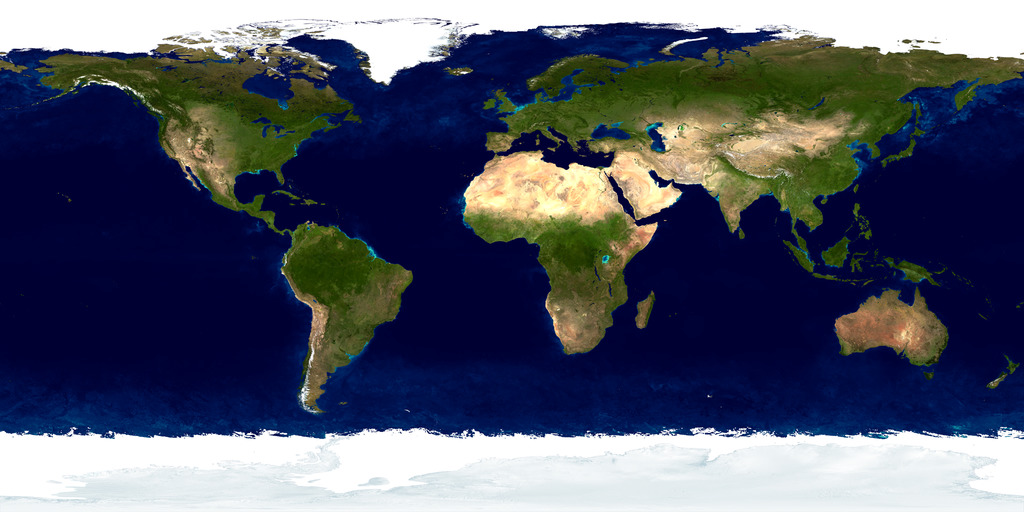
Download earthmap.jpg

Add rtw_stb_image.h in your source folder
Draw a textured sphere in main.cpp
Build and Run


Last updated