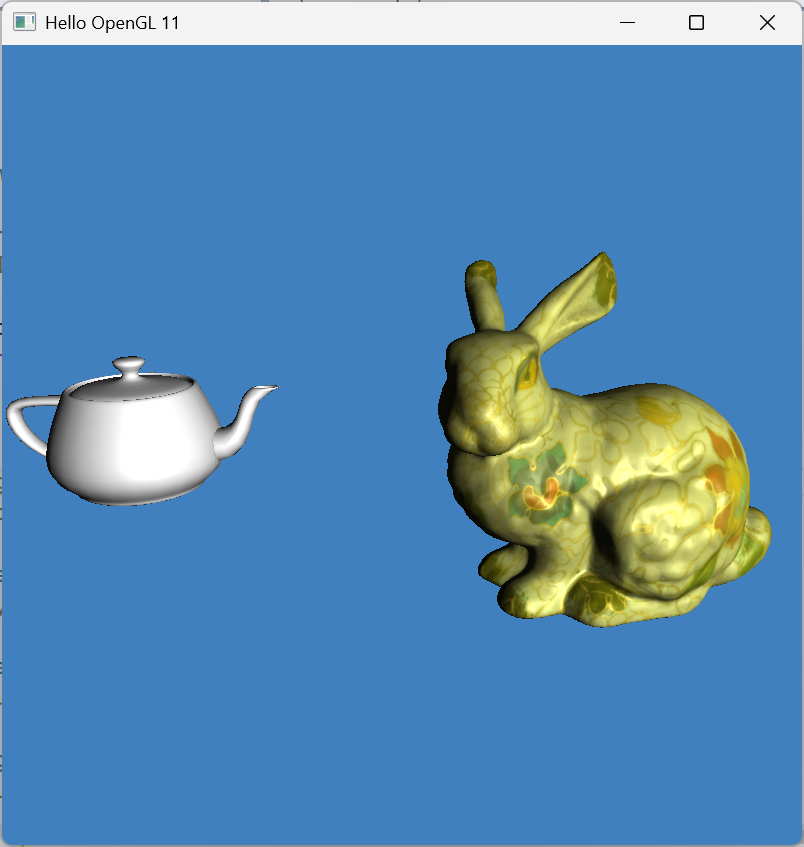
# LabA11 Picking and Collision Detection
## Source Code
{% embed url="" %}
## Tasks
### 1. Play with the code
#### Picking
Use your mouse to click on the scene rendering
#### Collision Detection (CD)
Use the keyboard arrow keys and "+", "-" to move along the major axes in the world space
### 2. Read the code
### 3. Try to use picking and CD in your coursework
You are encouraged to use GenAI to help your work.
## Notice of Limitations of the Code
1. Only intended for demonstration of basic picking and collision detection.
2. For simplicity, it only uses a mesh list and build the grid/octree into each mesh model itself.
3. No support of Scenegraph.
4. Picking does not take occlusion into account.
5. Very rudimentary class design.
6. Improvements needed for memory efficiency.
## Tutorial
{% embed url="" %}