# Rotation
Rotation is with GLM is not as hard as in the lecture.
We can use glm::rotate achieve rotation around any axis
```cpp
glm::rotate(glm::radians(angle_in_degree), glm::vec3(axis_x, axis_y, axis_z));
```
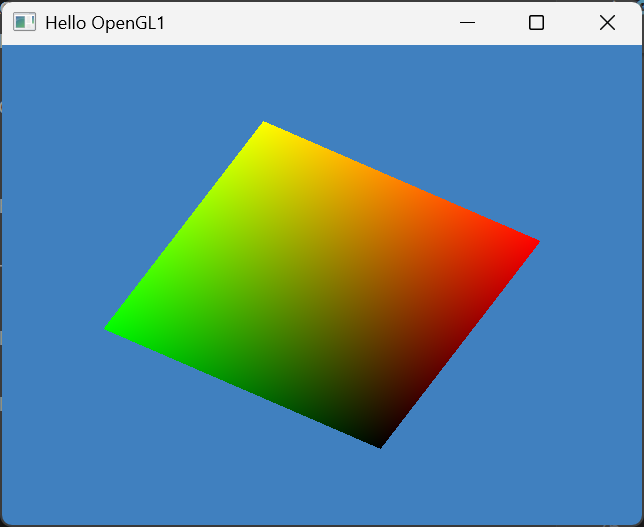
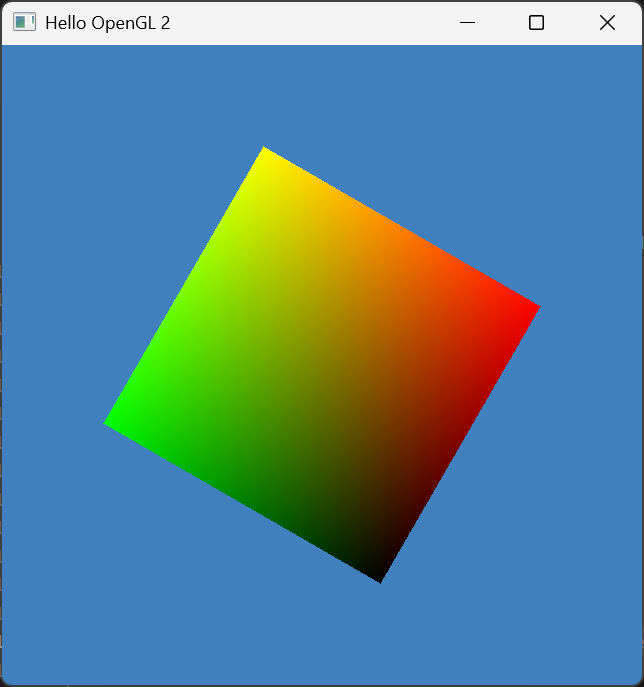
Let's scale and rotate the triangles around the Z axis by 60 degrees
```cpp
glm::mat4 mat_scale = glm::scale(glm::vec3(0.5f, 0.5f, 0.5f));
glm::mat4 mat_rot = glm::rotate(glm::radians(60.0f), glm::vec3(0.0f, 0.0f, 1.0f));
glm::mat4 mat_modelview = mat_rot * mat_scale;
```
We can temporarily remove the distortion by set the window to a square. We will eliminate the distion for arbitary windows when we learn projection.
```cpp
window = glfwCreateWindow(640, 640, "Hello OpenGL 2", NULL, NULL);
```
Remember the Z Axis points to you.